
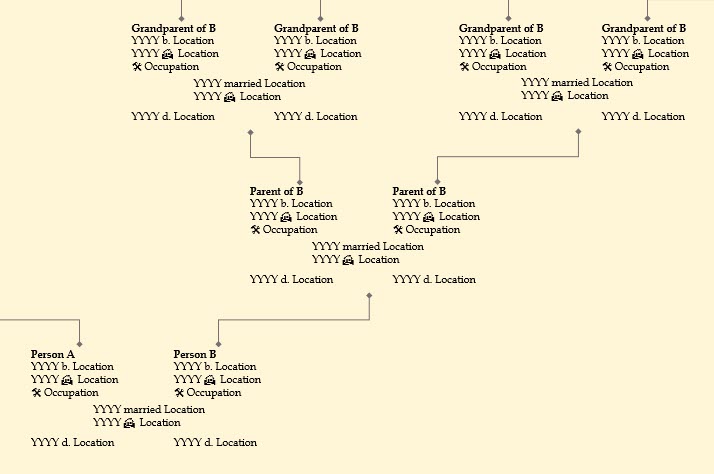
The wall charts I make for my projects are written from an MS PowerPoint template (downloadable here) that I developed specifically for the Ancestors of Rebecca Westfall project. The template is set to 36″ x 24″ which is enough room to fit 6-9 generations of ancestor parent pairs and their basic information (which you type in yourself – this template is not database-driven) such as years of birth and death, residences, occupations, marriage and immigration years, etc.
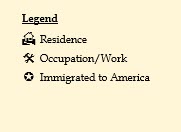
In addition to standard abbreviations like “b.” and “d.”, I include a few small symbols to stand for residence locations, occupations, and immigrant designations, in order to save space. Note: If you find a good MS symbol to stand in for “married” let me know!
The font used for the content of the chart is 10 pt Book Antiqua, which is the same font face used in the report template. My standard researching procedure is to first fill in facts in the report template (and cite them in the bibliography) and then update the chart every couple of days for the people I’ve been researching to keep the chart it in synch with the report.
To use the template, you’ll need some basic knowledge of MS PowerPoint – copy/paste, group/ungroup, align, object order, etc. The background I use is just a rectangle object placed at the back of the object order and I will often cut/paste that background onto a blank slide while I’m working on the chart content. This prevents me from accidentally selecting the background while I’m moving the other objects around.
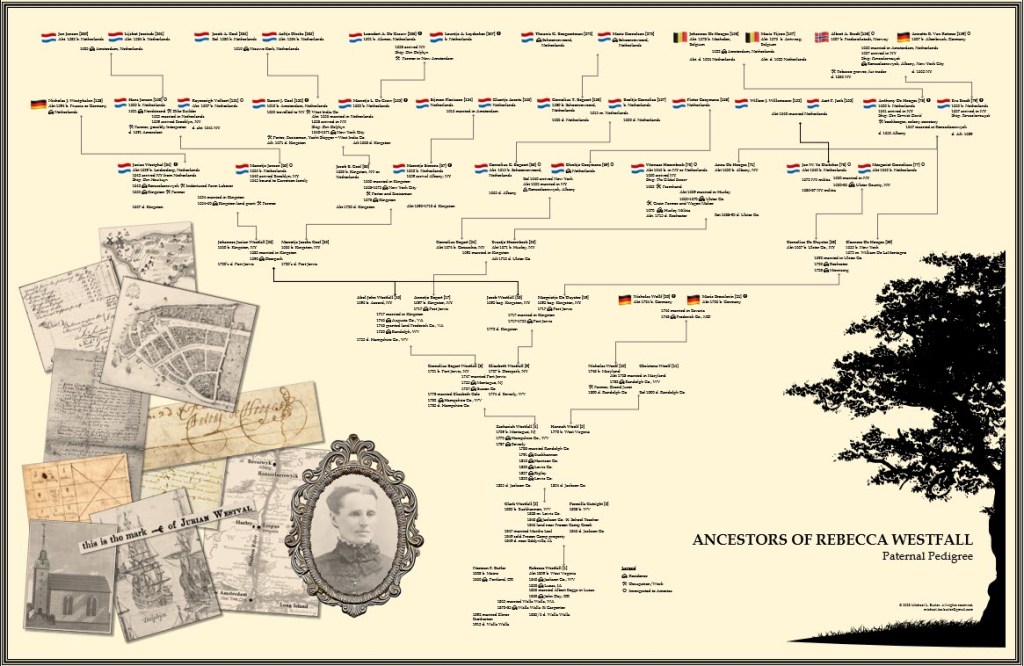
Here’s the completed Westfall project chart:
And here’s the “work in progress” chart for the Archibald project:
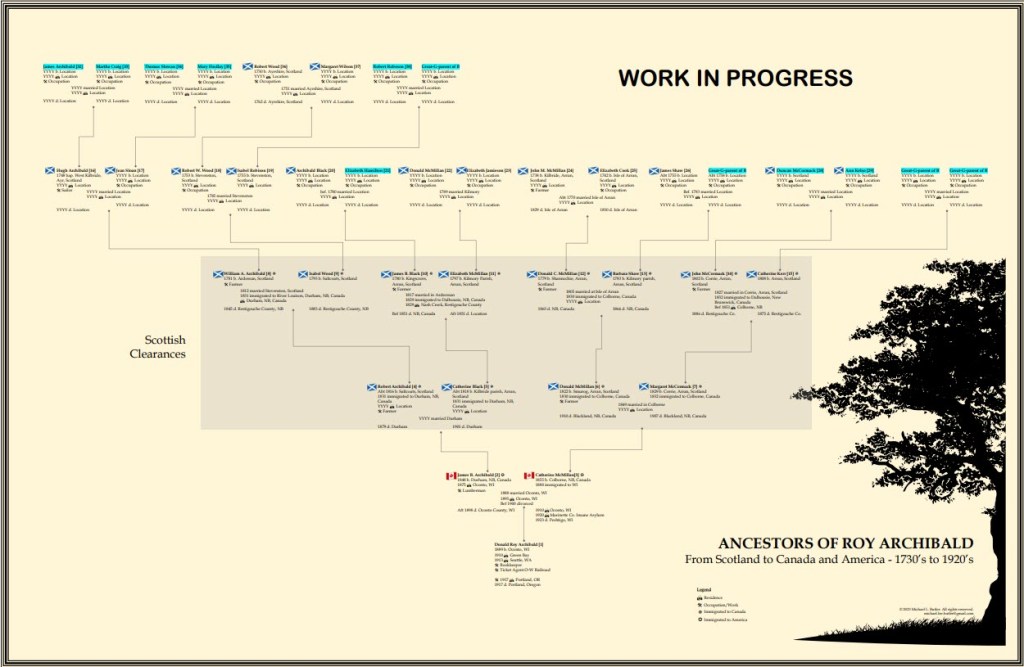
I should note that the downloadable template contains only the objects available in PowerPoint and does not include the images, like the tree and country flags. I purchased licenses online for those images and they are only for distribution on the final reports/charts that I actually create.
I hope that you find the template useful as a solid starting point for your family tree and that you find new and interesting ways to customize it to your needs!

 Michael L. Butler
Leave a comment